

Visibility of your Assets
One building or an entire portfolio
Explore your buildings, check dimensions online and give your team a clear view of the spaces they manage.
R24 creates interactive Matterport 3D walkthroughs, building digital twins that let staff and contractors review layouts, locate plant and equipment, and plan work remotely.
Explore the Layout
Check Dimensions
See the Detail
Try it below: explore the building, then select the ruler icon to see the measurements.
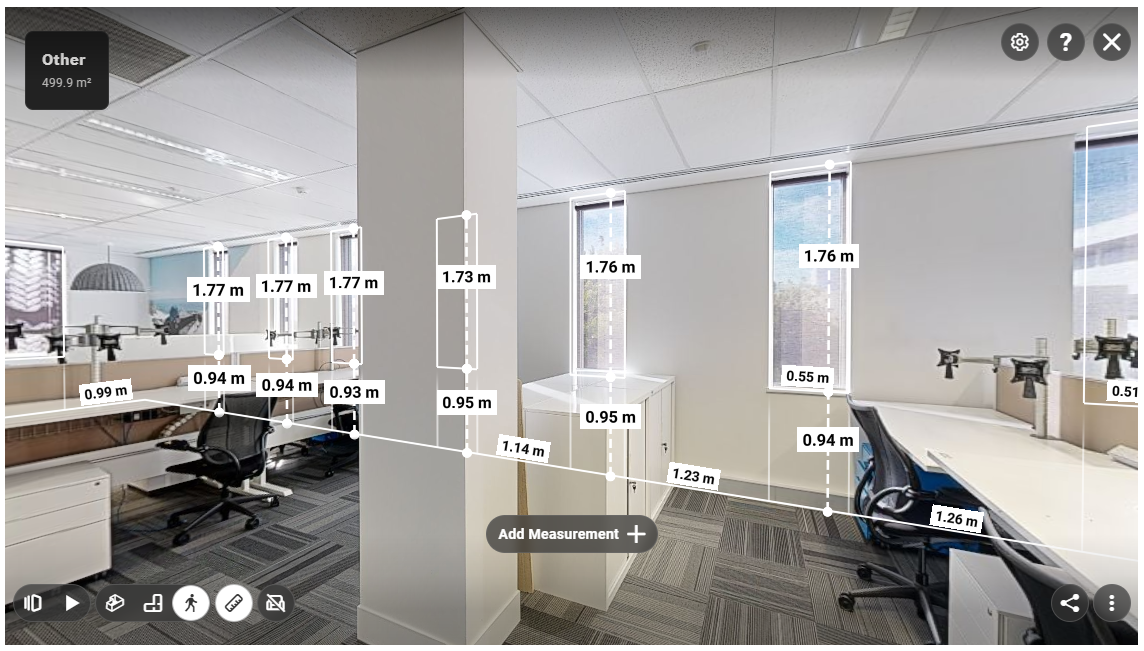
Get to know your building without travelling to site. Matterport lets you move through captured spaces, switch to a floor plan or 3D dollhouse view, and take measurements directly in your browser.
Check room dimensions, review access routes and see the space around plant and equipment. Give contractors a clear view of the work area before they arrive, so everyone can plan with better information.
A Clearer View for Everyday Decisions
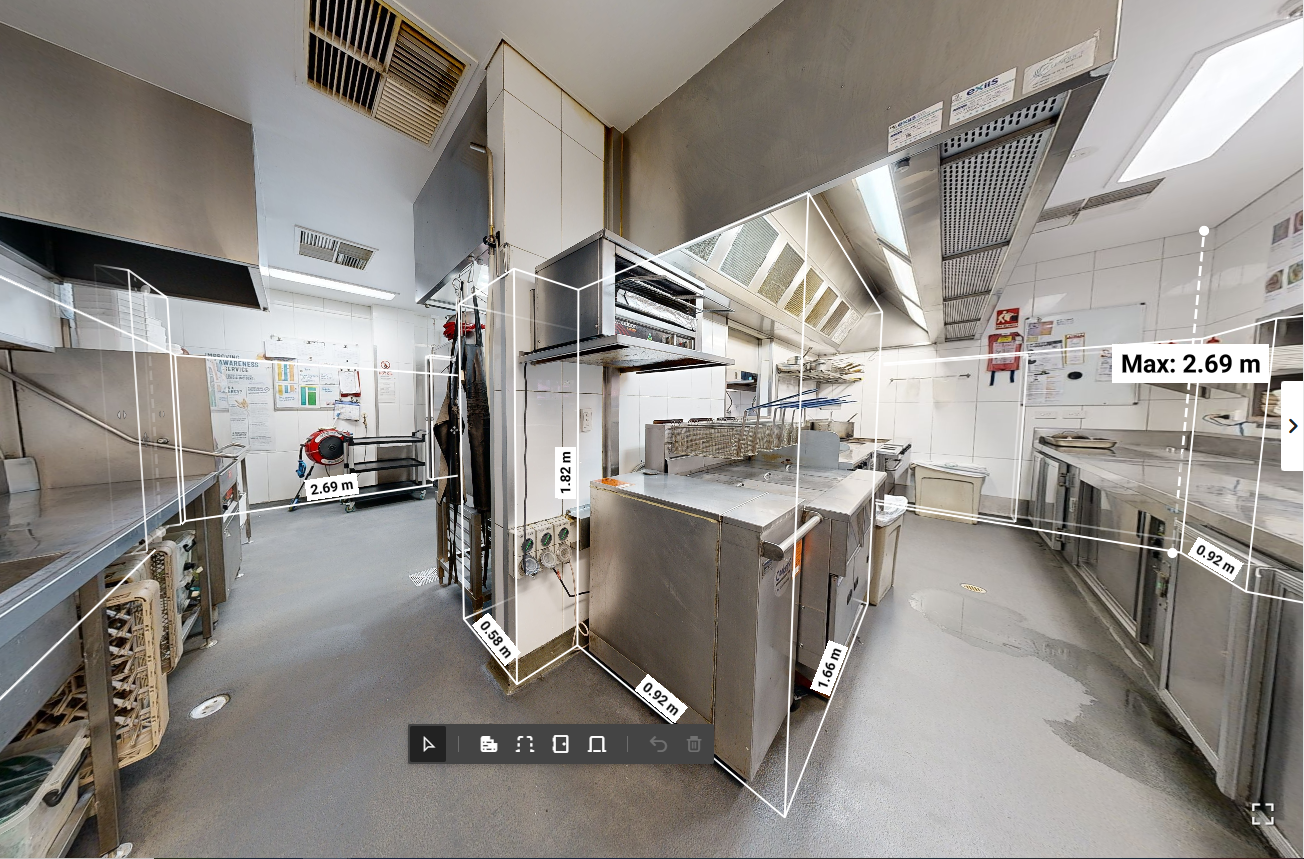
Locate plant and equipment
See where equipment sits within the building and understand the surrounding space. Give staff and contractors a shared visual reference.
Brief contractors before they arrive
Show contractors the work area and access routes so they can prepare their quote, equipment and approach with better information.
Plan maintenance and upgrades
Review captured spaces and check preliminary dimensions when planning repairs, replacements or changes to the layout.
Help new team members understand the site
Let incoming staff and service providers explore the building remotely, reducing reliance on someone else explaining where everything is.
One Building or an Entire Portfolio.
The same clear view.
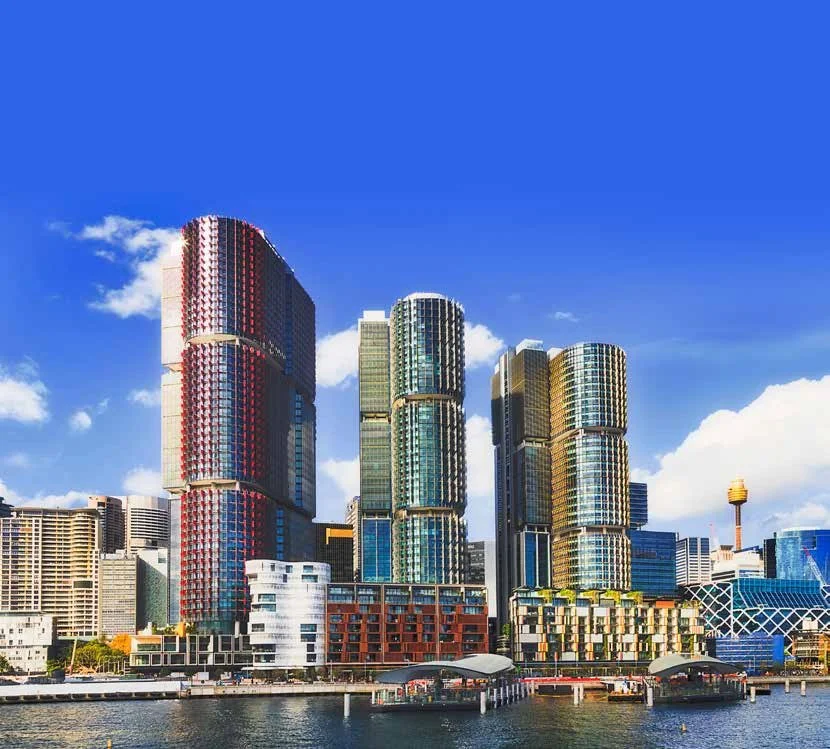
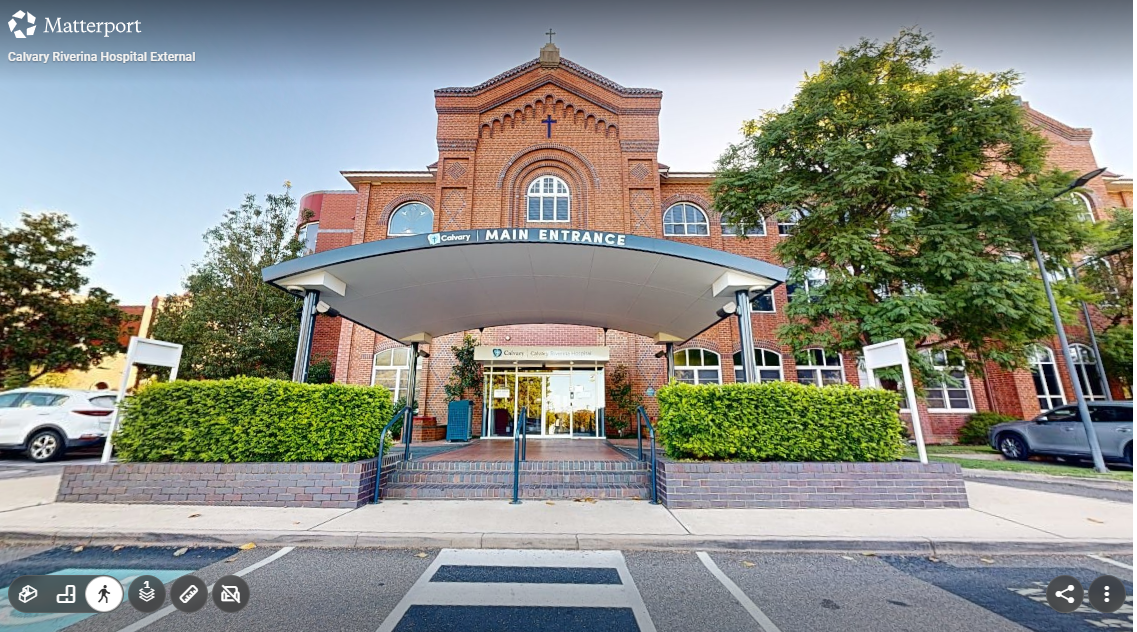
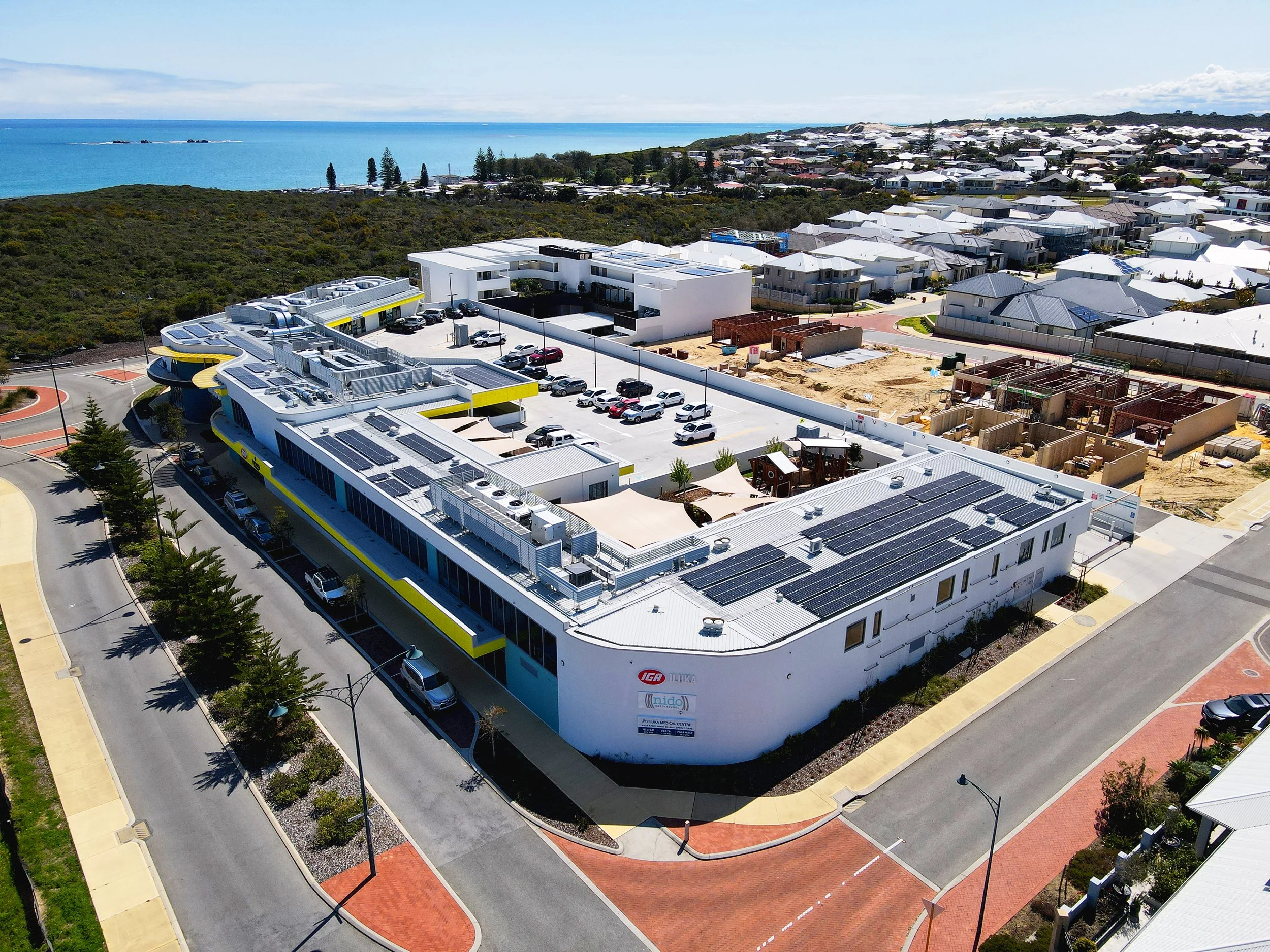
When you manage multiple properties, being familiar with every building is a challenge.
A shared visual record helps your team understand each location, wherever they’re based.
R24 can capture a single building, a multi-building site or properties across your portfolio. Start with a priority site and expand as you need.
Review buildings remotely before organising maintenance or planning works.
Give distributed teams a common reference when discussing a particular site or space.
Help new managers get familiar with properties as responsibilities change.
Refresh your visual records with a new capture after significant refurbishments or layout changes.
We’ll agree the capture scope, site naming and access arrangements with you before work begins.
A Visual Record Your Team Can Use
Your Matterport capture provides an interactive record of the agreed spaces, ready for your team to explore and share.
Your Matterport Walkthrough:
Navigate captured areas directly in your browser.
Switch between walkthrough, floor plan and 3D dollhouse views.
Take online measurements for preliminary planning.
Share the walkthrough with staff, contractors and stakeholders.
Additional Services:
Asset Tags and Links — connect locations within the walkthrough to equipment references, manuals or other supplied information.
Floor Plans and CAD drawings — provide documentation for maintenance, planning and refurbishment projects.
BIM models and Point Cloud files — support consultants who need additional spatial information.
Condition Reports and Asset Registers — complement the visual record with separately scoped property documentation.

From Site Capture to Everyday Use
Agree what you Need
Tell us which buildings you manage and what your team needs to see. We’ll confirm the capture areas, access requirements, platform, deliverables and hosting arrangements.

Capture your Buildings
We coordinate site access with your team and scan the agreed spaces, working around your operations. Sensitive or restricted areas are identified before capture.

Put the Virtual Tour to Work
We prepare and deliver your walkthrough, explain how to navigate and measure, and show your team how to share it. Any additional documentation is delivered to the agreed scope and timeframe.
Two Options
Matterport
Our recommended experience
An immersive 3D walkthrough with floor plan and dollhouse views, online measurements and options to link information to locations within the model.
Our recommended option for FM teams who prioritise the viewing experience and understanding how spaces connect.
Hosting: First year included. Ongoing hosting fees apply after that, as specified in your quote.
iGUIDE
A practical alternative
A simpler virtual walkthrough with floor plan navigation and online measurement tools.
An alternative for teams prioritising no ongoing platform hosting fees, with downloadable tours available for offline use or self-hosting.
Hosting: No ongoing platform hosting fees under the current arrangement. Alternative hosting setup is quoted separately.
Have specific Data Hosting requirements?
Tell us before capture. We can assess iGUIDE’s downloadable and self-hosting options against your organisation’s requirements and confirm the appropriate delivery arrangement.
Your Questions Answered
-
Getting a clear view of your building may cost less than you think. Indicative Matterport capture pricing starts from:
100 m²: $200 + GST
500 m²: $400 + GST
Final pricing depends on the layout, site access and required deliverables. Contact us for a quote for your building or portfolio.
-
Yes. Your Matterport walkthrough can be restricted to authorised users or it can be password protected. We’ll help set up access so the appropriate staff, contractors and stakeholders can view your buildings.
-
Yes. Asset references, notes and links to supplied documents can be added to locations within a Matterport walkthrough. We’ll agree the tagging scope and information required as part of your quote.
-
The walkthrough records the spaces as they appeared at capture. After significant changes, we can arrange a new capture and agree which records should be retained.
-
Your team can use the walkthrough as a visual reference alongside its existing systems. Links to records or documents can be scoped separately. Any software integration requires assessment.
-
Timing depends on the capture scope and deliverables. We’ll confirm the programme in your quote, including separate timeframes for any drawings, BIM models or additional documentation.
Get a clearer view of your Buildings
Start with one building or discuss a capture programme across your portfolio.
Send us the property address, approximate floor area and what your team needs to see. We’ll recommend a suitable option and confirm pricing, delivery and hosting arrangements.